

None
None
Long Story Video Skill
Turn your idea into 10s–10min video—AI writes scripts, prompts, and generates footage automatically.

Ads Video Skill
Generate professional ads and sales videos—AI auto-generates scripts, prompts, and footage.
3D Science Explainer Video Skill
Convert scientific concepts into stunning 3D explain animations
Feedback
Vidu Q4 Image To Video
Turn a single photo into a smooth 3–16 second clip with Vidu Q4 Image To Video — 2K/4K output, original aspect ratio, and up to 15 blended references.
All Tools
Discover our comprehensive AI-powered animation toolkit

Lyrics to Song
Turn your lyrics into professional songs with AI

Suno 5.5
Create Professional Music with AI
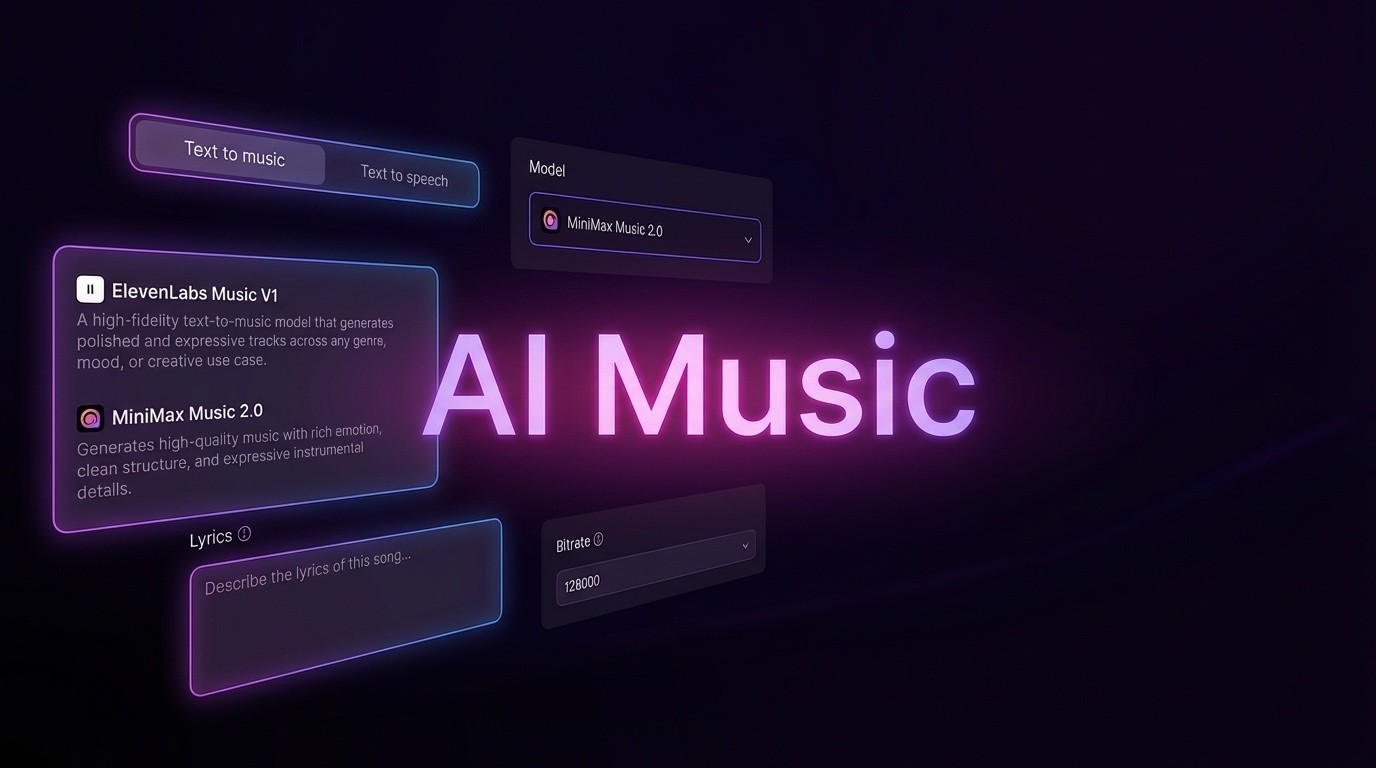
AI Music Generator
Create music from videos with AI

AI Song Generator
Create songs from videos with AI

Suno AI Music Generator
Create Professional Music with AI
Seedance2.0
The Future of AI Video Is Here.
Happy Horse 1.0

Veo3.1
Create Stunning Videos with Veo3.1
Meet the Vidu Q4 Image To Video Engine
One photo is enough to start: Vidu Q4 Image To Video animates it for 3–16 seconds, and the same engine can weave as many as 15 reference images plus 3 voice tracks into one coordinated scene.
- Blend Up to 15 Images and 3 Voice TracksLayer characters, props, scenery and art direction drawn from as many as 15 references, then add 0–3 voice clips so faces, style and audio all line up in a single render.
- One Photo Becomes a Moving ShotDrop in a picture, spell out the action and camera work you want, and the frame grows into a clip running anywhere from 3 to 16 seconds.
- Consistent Quality Across Both ModesSingle-image and reference workflows share the same Vidu Q4 core, so you get multi-shot storytelling up to 16 seconds, seamless transitions and crisp 2K/4K delivery.
Three Steps to Your First Vidu Q4 Image To Video Clip
From sign-up to export, the whole Vidu Q4 Image To Video workflow takes only a few minutes.
Core Capabilities of Vidu Q4 Image To Video
Whether you need 15-image reference blending or explosive particle-heavy action, this Vidu Q4 Image To Video toolkit covers the whole spectrum of photo-driven video work.
Mix Anywhere from 1 to 15 References
Assemble characters, sets and visual styles from up to 15 images at once, letting elaborate ideas come together in a single render.
Voice Cloning with Matching Lip Sync
Feed in 0–3 voice samples to reproduce a character's tone while emotion and mouth movement stay locked to the audio.
Keeps Your Original Frame Proportions
Vertical, square or widescreen sources hold their own width-to-height ratio in the finished video, so nothing gets cropped or letterboxed.
Fluid Motion in Fast-Paced Scenes
Running, combat and martial-arts sequences stay clean, with far less warping, stutter or distortion than you would normally expect.
Rich Particles and Energy Effects
Fireworks, blasts, sparks and energy bursts render with fine detail, giving VFX-heavy shots finer texture and extra punch.
Multi-Shot Storytelling up to 16 Seconds
A single run can deliver 16 seconds of narrative with smooth camera moves and clean cuts — no jarring jumps — finished in 2K or 4K.
Vidu Q4 Image To Video: Common Questions
Answers about reference images, voice cloning, clip length, resolution and account access for Vidu Q4 Image To Video.
How many reference images can one render take?
Between 1 and 15 images can be combined in a single generation, letting you define characters, settings and art direction together.
Is voice cloning available, and does lip sync follow?
Yes. Adding 0–3 voice samples reproduces a character's voice, and the mouth movements stay in step with the audio.
Which clip lengths and resolutions can I export?
Output runs from 3 to 16 seconds, rendered at 2K or 4K, and a single pass can cover a 16-second multi-shot sequence.
Will my photo's aspect ratio be preserved?
It will. The finished video inherits the width-to-height ratio of your source image rather than being forced into a fixed frame.
Do I have to sign up before generating?
Yes — head to vidu.com, choose a sign-in option and register with Google, Apple or email, then the generator unlocks.
What if my account gets blocked?
Blocks can happen for security reasons, suspicious behavior or a terms breach. If you think it is an error, write to support@vidu.com and the team will review it.
Give Your Photos Motion with Vidu Q4
Log in at vidu.com and let Vidu Q4 Image To Video convert a single photo — or as many as 15 references — into a 2K/4K clip of 3–16 seconds.