

None
None
Long Story Video Skill
Turn your idea into 10s–10min video—AI writes scripts, prompts, and generates footage automatically.

Ads Video Skill
Generate professional ads and sales videos—AI auto-generates scripts, prompts, and footage.
3D Science Explainer Video Skill
Convert scientific concepts into stunning 3D explain animations
Feedback
freeTrialImage.bannerPity
freeTrialImage.upgradeUnlock
- ✓freeTrialImage.benefitHd
- ✓freeTrialImage.benefitWatermark
- ✓freeTrialImage.benefitUnlimited
Hotel Lobby Song AI
Drop in one portrait and this Hotel Lobby Song AI tool stages you at the orange COLORS booth, mic overhead, ready for TikTok.
All Tools
Discover our comprehensive AI-powered animation toolkit

Lyrics to Song
Turn your lyrics into professional songs with AI

Suno 5.5
Create Professional Music with AI
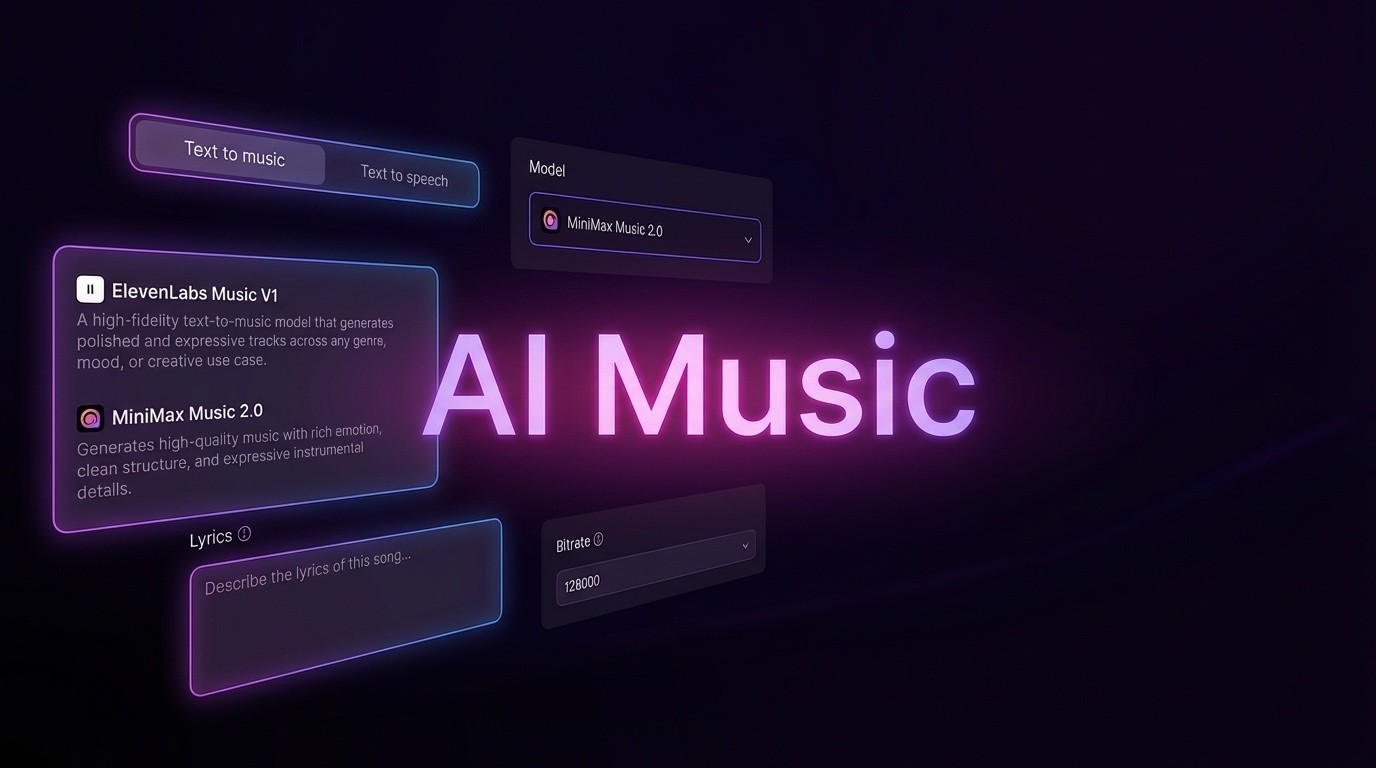
AI Music Generator
Create music from videos with AI

AI Song Generator
Create songs from videos with AI

Suno AI Music Generator
Create Professional Music with AI
Seedance2.0
The Future of AI Video Is Here.
Happy Horse 1.0

Veo3.1
Create Stunning Videos with Veo3.1
Meet the Hotel Lobby Song AI Booth Builder
This Hotel Lobby Song AI workflow turns an ordinary selfie into a staged COLORS booth clip — matched lighting, overhead mic, and export presets built for short-form feeds.
- Portrait to Stage in One StepOne sharp headshot is all the tool needs — it positions you on the orange set with the microphone already inside the frame.
- The Signature Orange BoothThat unmistakable Unc & Phew-style backdrop is rebuilt in every render, so your clip carries the viral Hotel Lobby vibe from the opening frame.
- Two-Person Booth ModeBring a second portrait to unlock the pair layout and stage a trading-bars Migos-style exchange.
Building a Hotel Lobby Song AI Clip in Three Steps
Three short steps carry you from a plain photo to a COLORS booth performance.
What the Hotel Lobby Song AI Engine Brings
Motion presets, booth-matched lighting, and careful face handling — every preset in the Hotel Lobby Song AI toolset is tuned to mirror the real COLORS stage.
Lifelike Motion Presets
Built-in motion curves let the figure sway, nod, and gesture the way an actual booth performance does.
Booth-Matched Lighting
Light and camera framing are aligned to the set, so your portrait blends into the original scene instead of looking pasted on.
Face Detail Kept Intact
The swap engine locates your face, balances skin tone against the stage glow, and leaves your features exactly as they are.
Overhead Mic in Frame
The hanging microphone stays visible in shot, preserving the stage energy that made the trend spread.
Presets for Every Vibe
Choose the classic two-person orange booth, a single-performer spotlight, an extended cut, or a back-and-forth pair flow inspired by Migos and Quavo Takeoff.
Vertical-First Exports
Each render arrives framed for vertical feeds, ready for TikTok, Reels, Shorts, or a status update with no manual resizing.
Hotel Lobby Song AI: Your Questions Answered
Straight answers about turning photos into stage clips with the Hotel Lobby Song AI generator.
Which photo gives the best result?
Front-facing, evenly lit headshots with a sharp face work best — the Hotel Lobby Song AI detects and places them most reliably.
Can I create the two-person booth?
Yes. Add a second portrait before generating and the Hotel Lobby Song AI switches to the pair layout for a back-and-forth performance.
Is a green screen or editing required?
Not at all. Detection, body motion, and scene placement are handled automatically — no chroma key, no timeline work.
Will the clip still look like me?
It will. Your exact facial features stay intact while skin tone and lighting are balanced against the orange stage.
Where should I share the finished clip?
Anywhere vertical video works — TikTok, Reels, Shorts, or a status update — because the render already matches those formats.
Is a text prompt necessary?
No prompt writing is needed; one or two clear portraits are enough for the Hotel Lobby Song AI to build your video.
Make Your Own Hotel Lobby Song AI Performance
Drop in a photo, pick a booth preset, and let the engine render a COLORS-style set piece — nothing to key out, nothing to edit, ready to post.