
Feedback
Bulin 47 AI Video Generator
Turn one portrait into the new lead of a ready-made freestyle clip with Bulin 47 AI Video Generator, while the moves, beat, camera and crowd stay intact.
All Tools
Discover our comprehensive AI-powered animation toolkit

Lyrics to Song
Turn your lyrics into professional songs with AI

Suno 5.5
Create Professional Music with AI
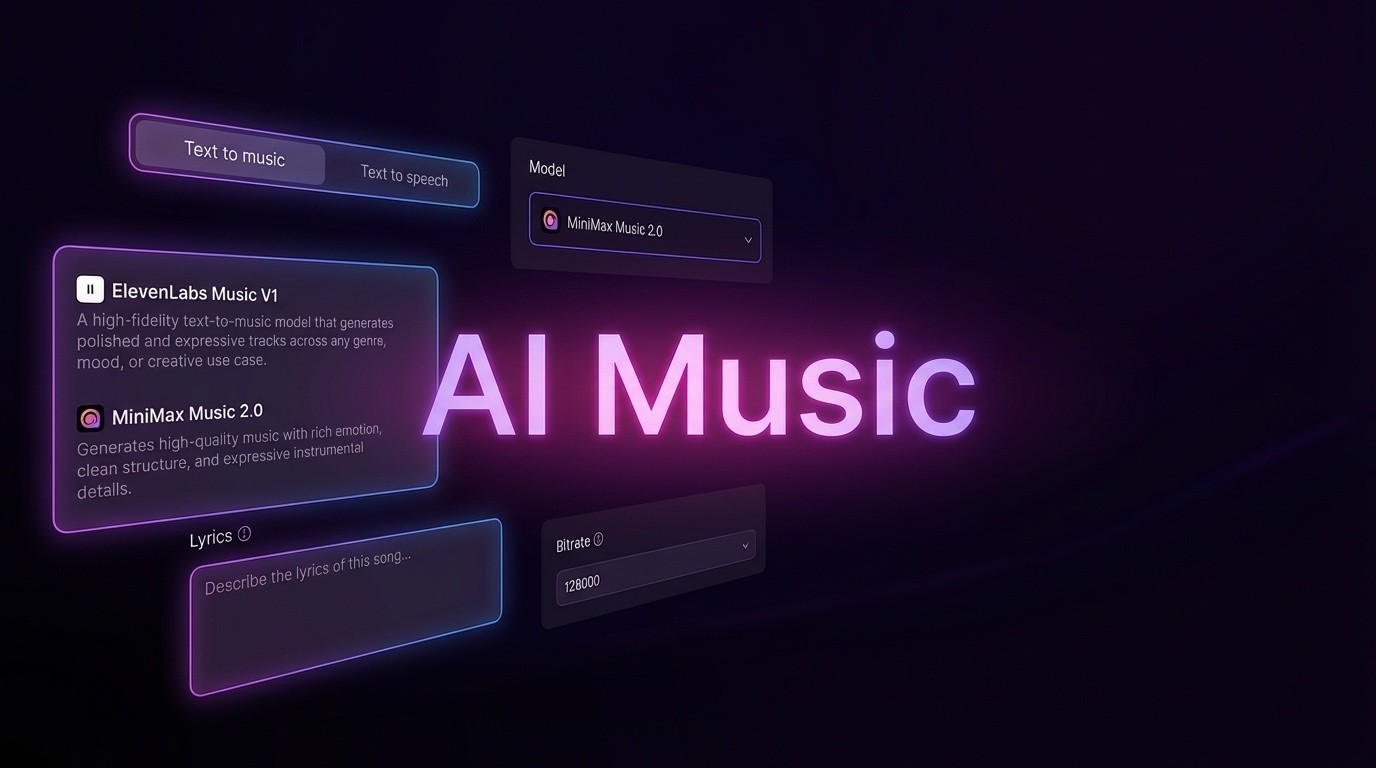
AI Music Generator
Create music from videos with AI

AI Song Generator
Create songs from videos with AI

Suno AI Music Generator
Create Professional Music with AI
Seedance2.0
The Future of AI Video Is Here.
Happy Horse 1.0

Veo3.1
Create Stunning Videos with Veo3.1
What Makes the Bulin 47 AI Video Generator Stand Out
A ready-made freestyle clip does the heavy lifting: you supply one portrait, and that face and outfit become the new front performer as the existing gestures, tempo and framing continue.
- Portrait-Powered Lead SwapYour chosen face and clothing define the front performer, while the preloaded routine still controls every gesture, beat and camera angle.
- Locked Stage, Speaker and AudienceThe original setting is designed to survive the edit: the speaker holder, portable speaker, surrounding crowd and camera path remain part of the final shot without extra images.
- Beat Preservation with Audio RecoveryNo new soundtrack is generated; after rendering, the system attempts to bring back the source sound, and because recovery can miss, always check the result by ear.
Three Steps to Use the Bulin 47 AI Video Generator
Move from a single portrait to a completed freestyle video with a short, guided workflow.
Core Capabilities of the Bulin 47 AI Video Generator
One portrait drives the lead swap while the scene, speaker, crowd and camera are retained; source audio recovery and editable instructions complete the preset.
One Portrait Controls the Lead
Only your uploaded image decides who fronts the clip; everyone else in the frame, including the person holding the speaker and the crowd, keeps their original appearance.
Look Transferred from Your Image
Hair, clothing, body shape and visible accessories are taken from your photo, while the preloaded clip continues to dictate body motion.
Motion and Tempo from the Source
The source clip supplies both movement and timing, so nothing needs to be filmed: there is no routine to learn, no lens to mimic and no footage to stitch.
Speaker and Audience Stay Intact
The preset instructs the model to preserve the person in front, the portable speaker, the crowd's position and the camera's travel path.
Separate Audio Recovery Check
Visuals are handled first and sound second: no new track is requested, and the system later tries to recover the original audio with a status indicator.
Editable Preset Instructions
A Settings toggle exposes the preset wording for rewriting, but adding too many conflicting edits can weaken the face and lead swap.
Bulin 47 AI Video Generator: Common Questions
Answers about the Bulin 47 AI Video Generator, covering portrait requirements, scene retention, audio recovery and prompt changes.
Which Part of the Clip Does the Lead Swap Change?
It changes the main dancer standing behind the person with the portable speaker; your portrait defines the new look, while the source clip supplies the movement.
Is a Second Image Needed for the Crowd or Room?
No. The preset is designed to keep the person in front, the portable speaker, the surrounding crowd and the camera movement, so one portrait is sufficient.
What Portrait Works Best for the Swap?
Use a sharp, well-lit photo of one person with hair, clothing and upper body clearly visible; avoid heavy filters and frames crowded with other people.
Can I Use an Illustrated or Fictional Character?
Yes, provided you have the necessary rights; however, stylized proportions may shift once the character begins to move.
What Happens to the Original Sound?
After the edit, the workflow attempts to recover the source audio; it does not synthesize a new voice, and mouth shapes may not align, so listen before saving.
Can I Change the Preset or Use Another Motion Clip?
The custom prompt switch lets you revise the preset text; to work with a different motion source or scene, use the AI Video workspace instead.
Make the Freestyle Yours with Bulin 47 AI Video Generator
Pick the portrait that makes the performance yours, sign in to check the credit estimate, then open My creations to review and download your finished Bulin 47 AI Video Generator clip.