
Feedback
Genjutsu AI
Genjutsu AI restyles your footage by keeping the original motion and replacing the scene, style, product, or props around your subject.
All Tools
Discover our comprehensive AI-powered animation toolkit

Lyrics to Song
Turn your lyrics into professional songs with AI

Suno 5.5
Create Professional Music with AI
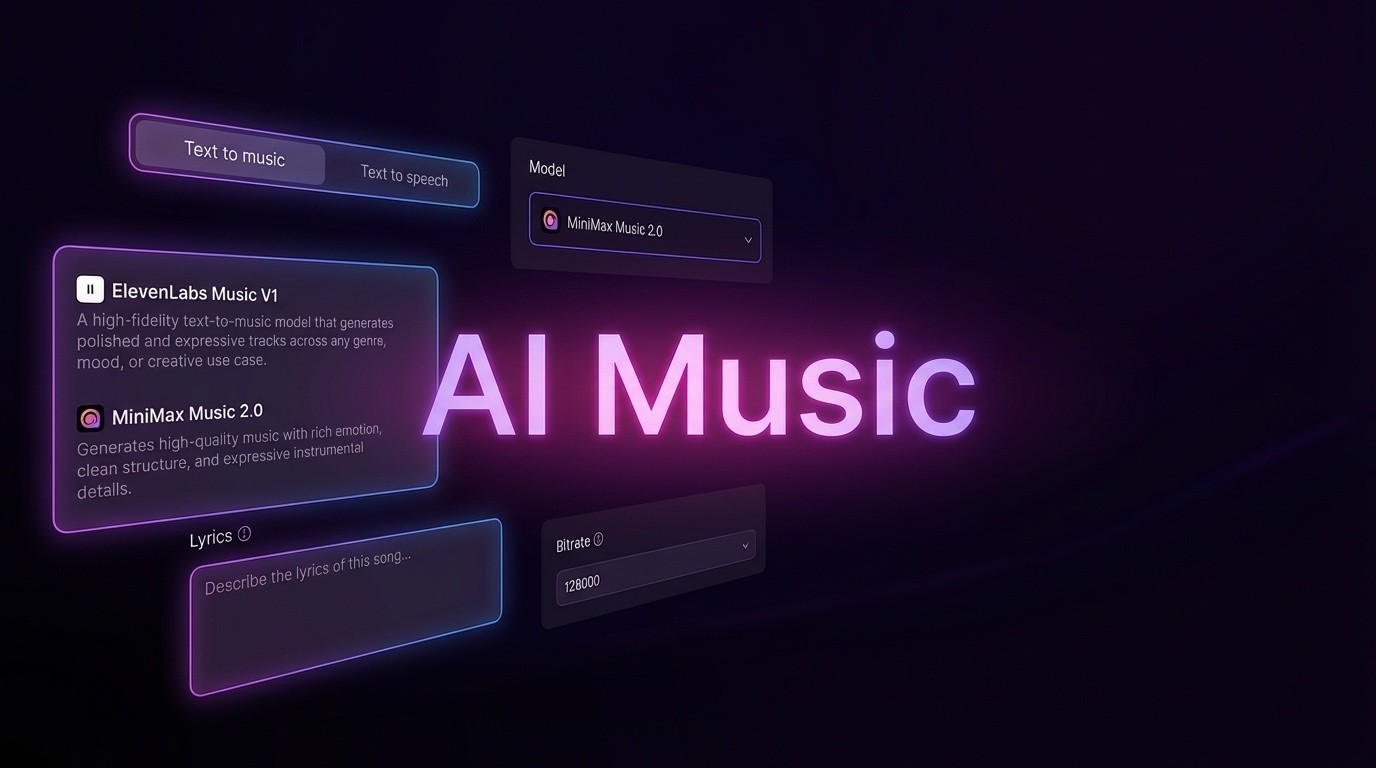
AI Music Generator
Create music from videos with AI

AI Song Generator
Create songs from videos with AI

Suno AI Music Generator
Create Professional Music with AI
Seedance2.0
The Future of AI Video Is Here.
Happy Horse 1.0

Veo3.1
Create Stunning Videos with Veo3.1
How Genjutsu AI Transforms Your Footage
Built on Higgsfield's video-to-video technology, this tool treats your upload as the movement source and then redesigns the location, visual treatment, merchandise, or object within the shot.
- Higgsfield Video-to-Video EngineGenjutsu AI takes an existing video and reimagines the environment, look, merchandise, or object inside it.
- Motion Stays, Surroundings ChangeYour uploaded footage controls every movement and beat, while Genjutsu AI rebuilds the background and visual details surrounding the subject.
- Built for Restyling, Not Face SwapsGenjutsu AI is not a face replacement tool or a prompt-only video maker; it is designed to recast the world inside footage you already have.
How to Use Genjutsu AI for Clip Restyling
Choose a mode, select output quality, then download the transformed video created by Genjutsu AI.
What Genjutsu AI Can Change in a Shot
Genjutsu AI swaps the setting, styling, merchandise, or objects around your subject while the performance and camera movement remain untouched.
Switch Out the Featured Product
Replace one product with another while Genjutsu AI keeps the original camera motion, composition, and clip duration intact.
Anime, Film, and Material Styles
Apply an anime, cinematic, retro, or textured finish to the scene without changing the person or action on screen.
Restage the Location and Time
Move the same performance from a studio to a rainy nighttime street or another setting while keeping the camera route unchanged.
Replace a Single Prop
Target one item in the frame—such as a cup, bag, or package—and swap it out without altering the subject or take.
Motion Transfer Mode
This Genjutsu AI mode preserves the movement from your upload and rebuilds the environment around the performer in the shot.
Object Swap Mode
Use this mode to select one object in the video and replace it while the camera path and edit rhythm remain as recorded.
Genjutsu AI: Common Questions
Find answers on clip restyling, motion preservation, credit usage, and commercial rights. Email support@genjutsuai.net for extra help.
Can Genjutsu AI swap faces?
No. Genjutsu AI never replaces the person in your source video—only the environment, styling, products, or props around them are redrawn.
How does it differ from text-to-video tools?
Instead of generating from a written prompt alone, Genjutsu AI uses footage you provide, so the action, camera movement, and rhythm come from your original clip.
Do I need a Higgsfield subscription?
Not for this tool. You can purchase one-time credit packs and use them for Genjutsu AI runs; the full Higgsfield app is separate if you want the complete suite.
How are credits charged?
Genjutsu AI charges are based on your uploaded clip length in whole seconds. The system estimates the cost before rendering, and longer or higher-resolution jobs use more credits.
What output resolutions can I choose?
Genjutsu AI can render in 480p, 720p, or 1080p. Higher resolution settings increase the credit cost for that generation.
Can I use the result commercially?
Yes, provided you own the rights to the source footage and comply with the terms of your credit pack, restyled clips may be used in commercial projects.
Ready to Restyle Your Video with Genjutsu AI?
Upload a clip, describe the new scene or object, pick a resolution, and start generating. Credit packs are one-time purchases with no subscription—the Genjutsu AI generator is waiting at the top of this page.