
Nano Banana 2.1
Nano Banana 2.1 on OpenArt turns plain text into lifelike 4K images with steady faces and crisp lettering — refine any shot by chatting.
Feedback
freeTrialImage.bannerPity
freeTrialImage.upgradeUnlock
- ✓freeTrialImage.benefitHd
- ✓freeTrialImage.benefitWatermark
- ✓freeTrialImage.benefitUnlimited
All Tools
Browse AI tools.

Lyrics to Song
Turn your lyrics into professional songs with AI

Suno 5.5
Create Professional Music with AI
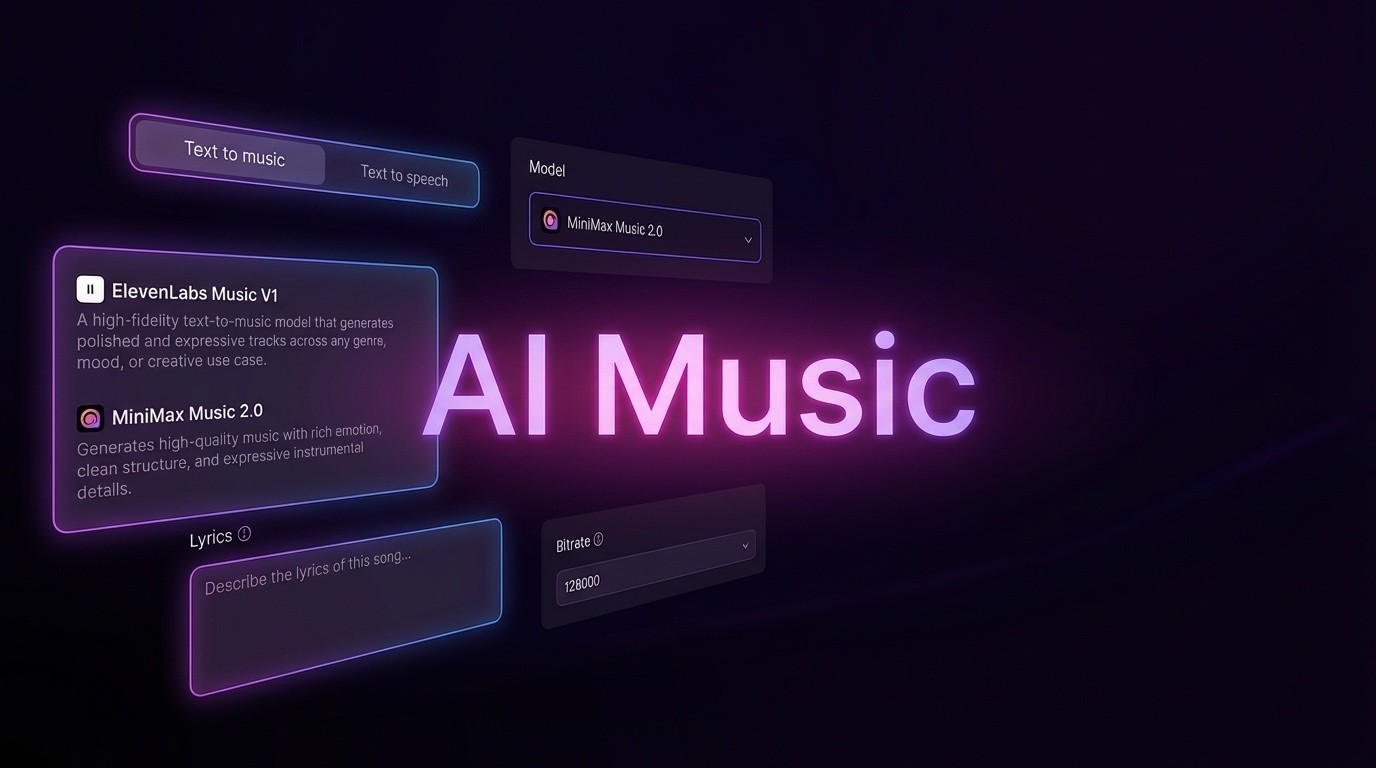
AI Music Generator
Create music from videos with AI

AI Song Generator
Create songs from videos with AI

Suno AI Music Generator
Create Professional Music with AI
Seedance2.0
The Future of AI Video Is Here.
Happy Horse 1.0

Veo3.1
Create Stunning Videos with Veo3.1
Inside Nano Banana 2.1
A single reference photo can seed a whole consistent set, as many as fourteen references can ride along with one prompt, and chat handles every edit.
- One Photo Seeds a Full SetFrom a single upload the model can spin out up to forty fresh frames, all sharing the same lighting, palette and styling.
- Up to Fourteen References at OncePile as many as fourteen pictures into one prompt; the model follows each of them closely and folds them into your written brief.
- Talk Your Way Through EditsDescribe the change in plain words and only that spot is redrawn — everything else in the frame is left exactly as it was.
Getting Started with Nano Banana 2.1
From a blank prompt to a saved image in three quick moves.
What Nano Banana 2.1 Can Do
Crisp 4K rendering, lettering that stays legible, fourteen-reference prompts and edits that never damage the original — all in one model.
Resolution That Reaches 4K
Every model in OpenArt offers several sizes and ratios, and Nano Banana 2.1 climbs all the way to 4K for print-ready detail.
Lettering You Can Actually Read
Type inside the frame comes out clean and well formed, so product labels, menus and street signage stay perfectly legible.
Fill a Session from One Upload
Upload one product shot and generate enough fresh angles to fill a whole catalog in the colors and light you picked.
Fourteen References, One Prompt
A prompt can carry up to fourteen reference images that the model blends with your text, so the first render is often good enough.
Edits That Leave the Rest Alone
Request a new shirt color, a different outfit or smoother skin in chat and get a polished image without any hands-on retouching.
Swap Styles, Keep the Detail
Push your own upload into anime, cyberpunk, claymation, pencil sketch or oil-painting territory while objects and outfits keep their form.
Nano Banana 2.1 Questions, Answered
Answers on reference limits, chat-based edits and 4K output in Nano Banana 2.1.
How many reference pictures can I attach to a prompt?
You can load up to fourteen reference images into a single prompt; the model follows each one closely and merges them with your written brief.
How many outputs can a single reference photo produce?
Up to forty separate images can come from one reference upload, and the styling, lighting and palette stay identical across the whole set.
Will a chat edit change the rest of the image?
No. Only the region you describe gets redrawn, while the surrounding pixels are preserved rather than regenerated from scratch.
Can it put readable text inside an image?
It can. Lettering is drawn accurately and with fine detail, so labels, menus and signage remain readable in the final render.
Can a few photos become a full product catalog?
Shoot your item from several angles, upload the set, and the model picks up its shape and finish to produce catalog-ready images with clean label text.
Which art styles work on my own uploads?
Anime, cyberpunk, claymation, pencil sketch, oil painting and plenty more — objects and outfits can be swapped while fine detail survives.
Create Your First Image with Nano Banana 2.1
Choose Nano Banana 2.1 from OpenArt's image tools and you'll have steady 4K renders or chat-driven edits in minutes — no setup required.