
AI Face Swap Video – fast, realistic swaps
AI Face Swap Video delivers natural-looking swaps from any clip in seconds, tuned for mobile sharing.
video0
video3
video4
Feedback
AI Tools
Discover AI Generator features and capabilities

Lyrics to Song
Turn your lyrics into professional songs with AI

Suno 5.5
Create Professional Music with AI
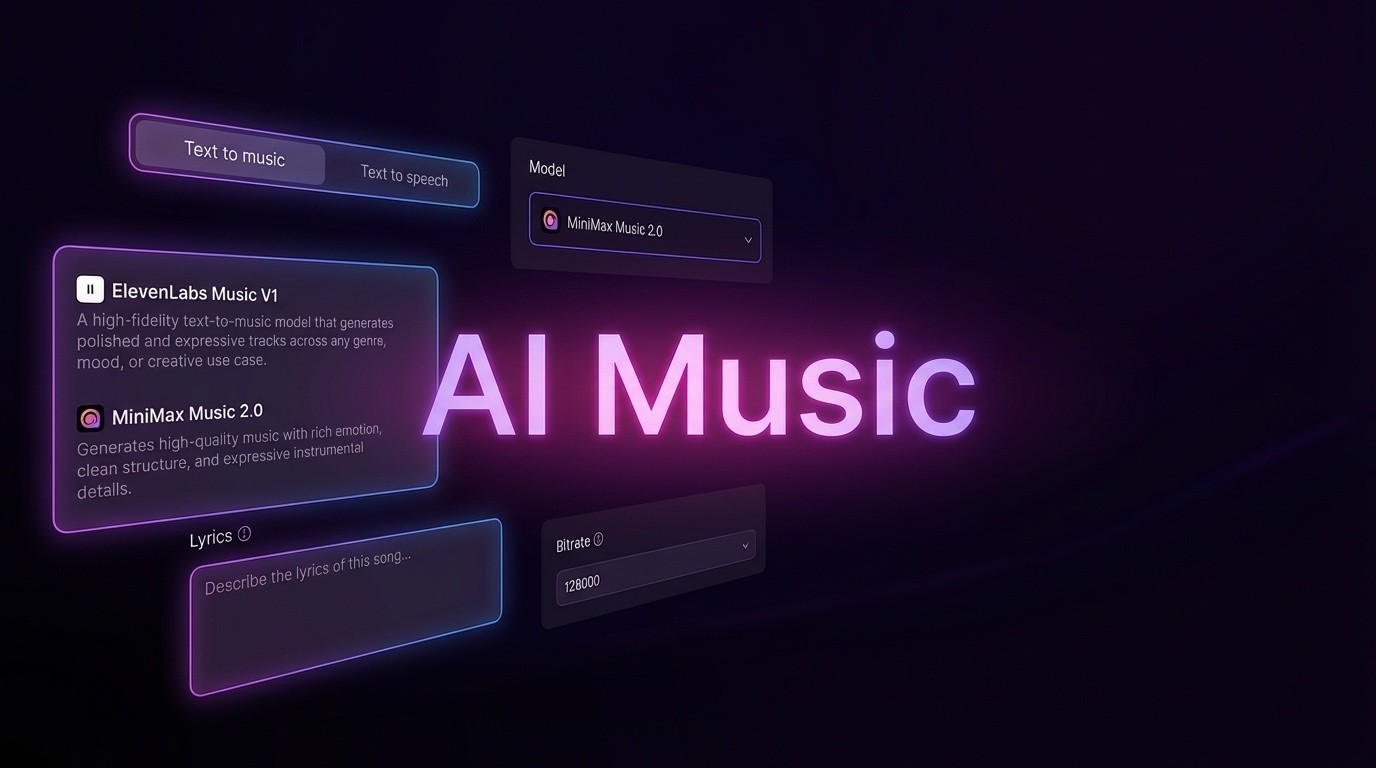
AI Music Generator
Create music from videos with AI

AI Song Generator
Create songs from videos with AI

Suno AI Music Generator
Create Professional Music with AI
Seedance2.0
The Future of AI Video Is Here.
Happy Horse 1.0

Veo3.1
Create Stunning Videos with Veo3.1
AI Effects
Loading...
AI Face Swap Video Studio
AI Face Swap Video blends faces into any scene with stable, natural motion for believable results.
- True-to-life swapsAI Face Swap Video keeps skin tone, lighting, and texture natural across frames.
- Stable identityAI Face Swap Video locks facial features frame by frame for steady identity.
- HD readyAI Face Swap Video exports crisp 1080p swaps in minutes for fast publishing.
AI Face Swap Video Workflow
Follow four quick steps to publish an AI Face Swap Video on mobile.
AI Face Swap Video Features
See how AI Face Swap Video delivers realistic, share-ready swaps every time.
Natural motion
AI Face Swap Video follows head turns and expressions smoothly for lifelike motion.
Identity lock
AI Face Swap Video keeps eyes and smiles aligned in every frame for stable identity.
Action ready
AI Face Swap Video handles dance, sports, and fast cuts without warping.
HD output
AI Face Swap Video exports 1080p with clear edges, natural skin, and clean lines.
One-tap UI
AI Face Swap Video keeps controls simple for phones and tablets.
Fast render
AI Face Swap Video finishes most swaps within minutes so you can post fast.
AI Face Swap Video FAQ
Quick answers for creating an AI Face Swap Video on mobile.
What is AI Face Swap Video?
AI Face Swap Video blends your face onto any video with smart tracking for natural results.
What clips work best?
Use bright, clear videos; AI Face Swap Video handles dance, vlog, and reaction shots without blur.
How fast is it?
Most AI Face Swap Video renders finish in about 2–3 minutes.
Can I download?
Yes. Export your AI Face Swap Video instantly; premium removes watermarks.
Do I own it?
You control your AI Face Swap Video; premium adds broader usage rights.
What quality is supported?
AI Face Swap Video supports 480p, 720p, and 1080p exports.
Launch your AI Face Swap Video
Create and share a sharp AI Face Swap Video now—fast, easy, and mobile ready.