
Feedback
AI Ad Video Example
Loading...
MiniMax H3 prompt
Unlock cinematic 2K video with stereo sound using the MiniMax H3 prompt — timed shots, camera moves, and audio cues in one workflow.
All Tools
Discover our comprehensive AI-powered animation toolkit

Lyrics to Song
Turn your lyrics into professional songs with AI

Suno 5.5
Create Professional Music with AI
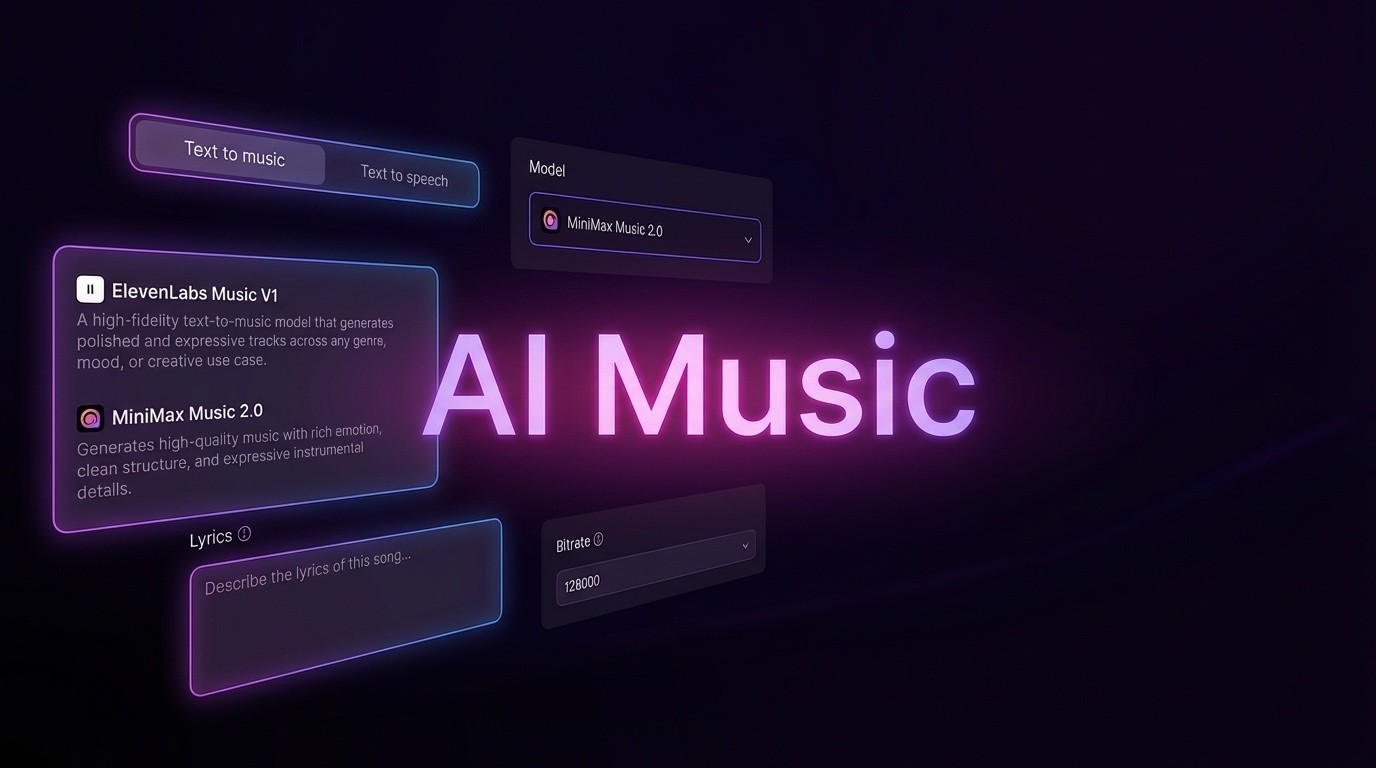
AI Music Generator
Create music from videos with AI

AI Song Generator
Create songs from videos with AI

Suno AI Music Generator
Create Professional Music with AI
Seedance2.0
The Future of AI Video Is Here.
Happy Horse 1.0

Veo3.1
Create Stunning Videos with Veo3.1
Why Skilled MiniMax H3 Prompting Elevates Video Generation
The MiniMax H3 prompt system empowers you to direct an open-weight multimodal video model that produces 5–15 second 2K footage at 24fps with synchronized stereo audio. With up to 7,000 characters, you can assign roles to each reference file, map out timecoded shots, control camera language and sound design, and preserve character identity across every scene in one request.
- Give Every Asset a Defined JobA core habit in the MiniMax H3 prompt workflow: specify exactly how each uploaded image, clip, or audio file should be used — whether for ambiance, character, product, style, or voice.
- Shot-by-Shot Timing That FlowsSegment your action into timed intervals like [0-2s] and [2-4s] within a single MiniMax H3 prompt to avoid static slideshow pacing and create natural narrative motion.
- Sound Design With Director-Level ControlUse the MiniMax H3 prompt to articulate every audio element — bass drops, hi-hats, foley, and dialogue cues — with the same accuracy you give to visual details, including voice cloning.
Step-by-Step MiniMax H3 Prompt Construction
Follow this five-step framework to build a polished MiniMax H3 prompt that outputs 2K video with perfectly synced sound.
Core Techniques for Powerful MiniMax H3 Prompts
These proven MiniMax H3 prompt practices — reference roles, timed shots, audio direction, negative cues, identity locking, edit pairing, cinematic language, and event-driven transitions — help you create precise, professional-grade video.
Explicit Negative Instructions
Your MiniMax H3 prompt can include clear exclusions — 'avoid soft dissolves', 'no garbled text', 'prevent jump scares' — to keep the generator focused on the intended output.
Character and Scene Consistency
Maintain consistent characters, objects, and backgrounds across transitions by specifying key details like hair, clothing, props, and typography inside your MiniMax H3 prompt.
Targeted Editing With Stability Constraints
When editing existing footage, use your MiniMax H3 prompt to pair each change with fixed elements, so you get localized updates instead of a full reshoot.
Filmic Camera Vocabulary
Inject shot size, lens optics, exposure, and film texture — such as handheld wobble, focus pulls, wide-angle bends, and grain — directly into your MiniMax H3 prompt.
Action-Driven Scene Transitions
Frame cuts as physical actions like rapid pans, motion smear, lens smudging, or light flicker in the MiniMax H3 prompt — this yields more natural transitions than simply naming an effect.
Complete Command With 7,000 Characters
One MiniMax H3 prompt can hold a full scene, timecoded shots, audio directions, and constraints — enough space to control the entire production in a single request.
Frequently Asked Questions About the MiniMax H3 Prompt
Answers to common questions about crafting high-impact prompts for the MiniMax H3 video model.
What exactly is a MiniMax H3 prompt?
It's a proven approach for working with MiniMax's open-weight multimodal video model. The MiniMax H3 prompt method covers reference roles, timecoded shots, audio design, negative prompts, identity locking, and cinematic language to produce 2K video with native stereo audio.
What's the maximum prompt length?
You can use up to 7,000 characters, which gives you room for a complete shot breakdown with timed actions, camera movements, audio notes, and restrictions in a single MiniMax H3 prompt.
How should I manage several reference files?
Give every reference file a specific purpose in your MiniMax H3 prompt — 'Image 1 sets the tone, Image 2 provides the talent, Audio 1 delivers the voice' — and you can include up to 9 images, 3 clips, and 3 audio files at once.
Do I need to include audio details?
Absolutely — treat audio as part of the scene in your MiniMax H3 prompt. Spell out musical arrangement, instrument cues, foley, and speech timing so the built-in audio lines up with the visuals.
What's the best way to keep characters stable?
Anchor each character's look by describing permanent traits like hairstyle, outfit, accessories, and surroundings in your MiniMax H3 prompt; then repeat those details across every timed segment and edit.
What common mistakes should I avoid?
Steer clear of loose pacing and unintentional styles. Use timecoded segments rather than static slideshow beats, and include negative commands in your MiniMax H3 prompt to block unwanted visuals or sounds.
Begin Building Your MiniMax H3 Prompt Right Now
Put the MiniMax H3 prompt method into action and create 2K video with crystal-clear audio — using timecoded shots, reference roles, film-style camera direction, and detailed sound cues in a single prompt.