
Happy Horse AI Video Generator
Create cinematic short clips from brief text or reference images using Happy Horse AI Video Generator — fast previews, natural motion, and HD exports to accelerate your creative loop.
Feedback
All Tools
Browse AI tools

Lyrics to Song
Turn your lyrics into professional songs with AI

Suno 5.5
Create Professional Music with AI
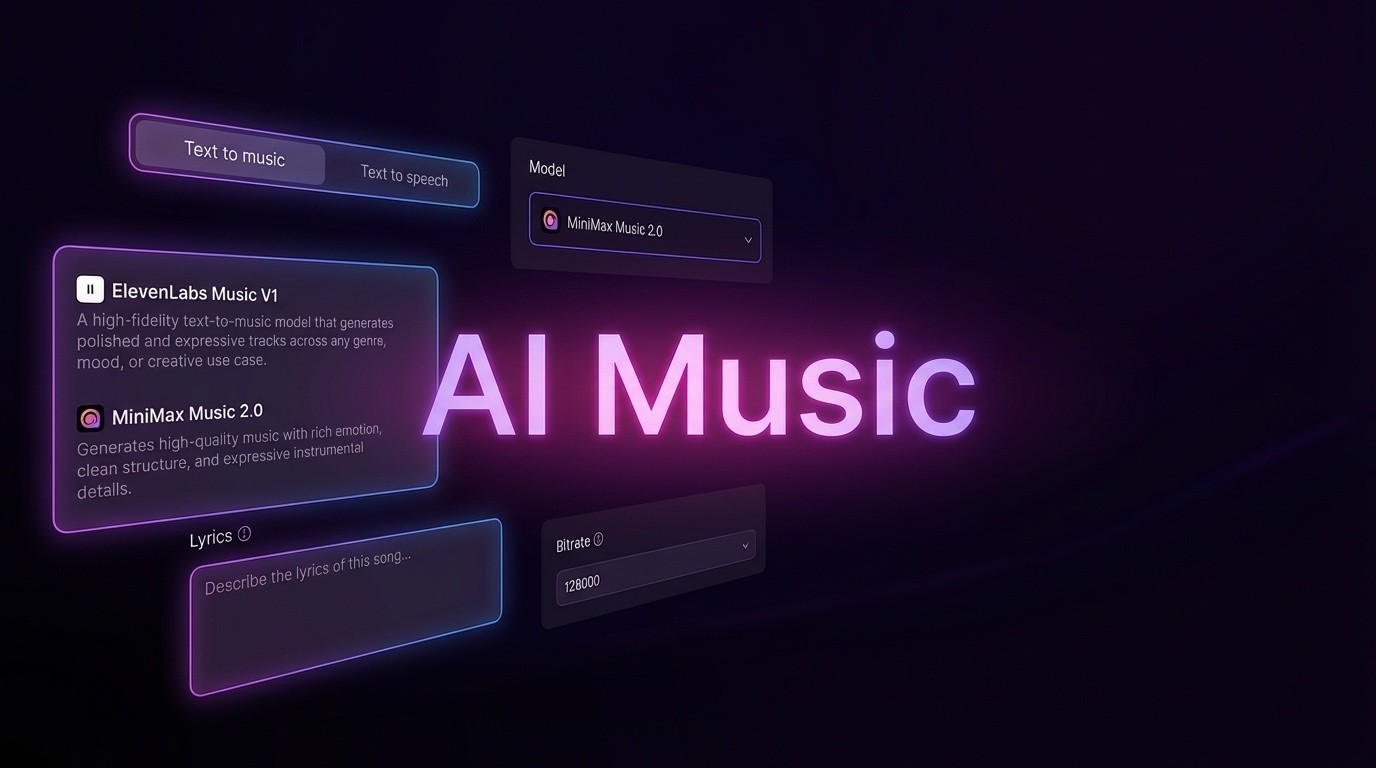
AI Music Generator
Create music from videos with AI

AI Song Generator
Create songs from videos with AI

Suno AI Music Generator
Create Professional Music with AI
Seedance2.0
The Future of AI Video Is Here.
Happy Horse 1.0

Veo3.1
Create Stunning Videos with Veo3.1
Why use Happy Horse AI Video Generator
Happy Horse AI Video Generator converts short prompts and references into cinematic shorts with stable subject tracking, lifelike camera movement, and rapid browser previews for quicker iterations.
- Text-to-VideoTurn short text prompts into coherent, cinematic clips using Happy Horse AI Video Generator's motion-aware engine.
- Image-to-VideoBring still images to life with consistent framing and natural motion for portraits and product shots.
- Rapid IterationPreview edits in-browser, tweak prompts, and export HD clips to speed production cycles.
How Happy Horse AI Video Generator accelerates your workflow
Write a prompt, attach a reference image or clip, pick settings, and get a polished preview fast with Happy Horse AI Video Generator.
Core strengths of Happy Horse AI Video Generator
Happy Horse AI Video Generator offers dependable reference follow, natural camera motion, fast previews, and HD exports tailored for creators and teams.
Text-to-Video
Turn concise prompts into cinematic clips with motion-aware framing and consistent subject tracking.
Avatars & Lip-Sync
Produce talking characters with natural expressions and accurate lip synchronization for narrative scenes.
Versatile Styles
Switch between photoreal, stylized, and editorial presets to match your creative direction.
High-Fidelity Exports
Export polished videos in common resolutions with HD preview and download support.
Scene & Camera Control
Adjust pacing and camera drift to fit mood, choreography, or product movement precisely.
Reference-Based Motion
Leverage reference images and clips to maintain subject continuity and coherent motion across frames.
Happy Horse AI Video Generator — Common Questions
Quick answers about Happy Horse AI Video Generator. Reach out to support if you need additional assistance.
What does Happy Horse AI Video Generator do?
It turns text prompts or reference images into short, export-ready videos by handling layout, motion, and rendering automatically.
Which video types can I make?
Create promotional shorts, social clips, explainers, or animated product demos using text or image inputs.
How long are render times?
Preview clips usually finish within minutes; final render times vary based on duration, resolution, and applied effects.
Can I download my videos?
Yes. Generated clips can be downloaded; paid tiers unlock higher resolutions and commercial licensing options.
Who owns the generated content?
Ownership and licensing depend on your plan—check the terms for commercial and distribution rights.
What resolutions are supported?
Common resolutions include 480p, 720p, and 1080p with presets to trade off speed and fidelity.
Start creating with Happy Horse AI Video Generator
Turn ideas into cinematic shorts — start from text or an image with Happy Horse AI Video Generator today.