
Feedback
freeTrialImage.bannerPity
freeTrialImage.upgradeUnlock
- ✓freeTrialImage.benefitHd
- ✓freeTrialImage.benefitWatermark
- ✓freeTrialImage.benefitUnlimited
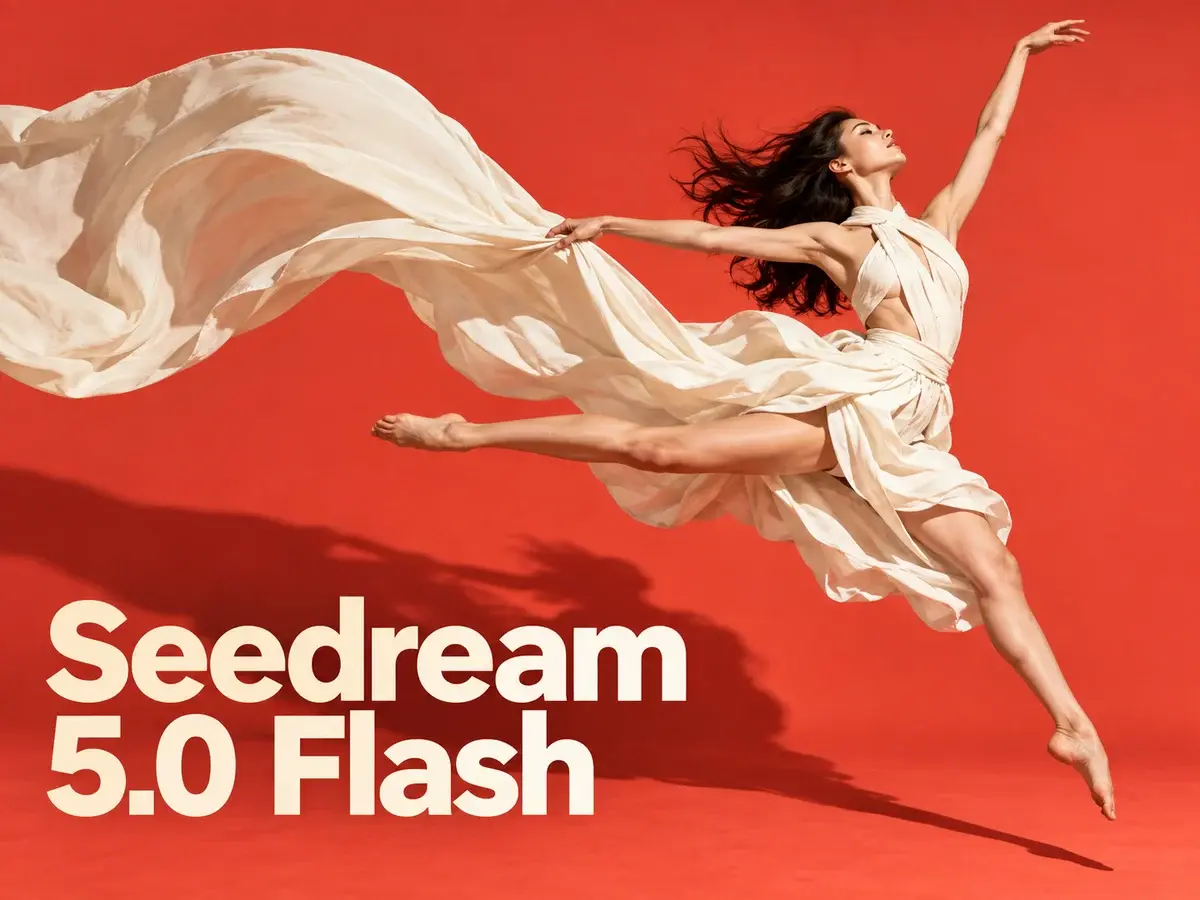
Seedream 5.0 flash
Describe a scene or upload up to 10 reference images in Seedream 5.0 Flash, then export crisp 2K artwork with legible text. Every render: 3 credits.
AI Tools
Explore AI tools

GPT Image2
GPT Image Generator - Unleash Your Creativity with No Limits

Nano Banana Pro
Advanced AI Image Generator

Nano Banana Image Generator
Advanced AI Image Generator

Grok Image Generator
Create Sharp Visuals with AI
AI Image Editor
AI Photo Editor Online
AI Face Swap Video Generator
Create Face Swap videos easily
Image Upscaler
Enhance image resolution effortlessly

AI Background Change
Change image backgrounds instantly
Seedream 5.0 Flash: Fast Renders, Fair Pricing, Flexible Edits
Part of ByteDance's Seedream 5.0 family, this lightweight tier keeps generation quick and lets you blend as many as ten references in a single pass.
- Positioned Below the FlagshipIt occupies the affordable slot in ByteDance's Seedream 5.0 range, sitting one rung under the top-tier Seedream 5.0 Pro model.
- Same Cost at Every SizeWhether you export at 1K, 1.5K or 2K, the charge holds at 3 credits; edits are priced identically and reference uploads add nothing.
- Blend Up to 10 ReferencesUpload as many as ten images, spell out what should change, and the model fuses subjects, products and styles into one finished picture.
Getting Started With Seedream 5.0 Flash
Three short steps to create a fresh picture or refine one you already have.
Answers to Common Seedream 5.0 Flash Questions
Short replies covering generation, editing, credit costs and export sizes.
What separates Seedream 5.0 Flash from Seedream 5.0 Pro?
Flash targets speed and lower cost, while Pro is ByteDance's flagship — maximum detail, stronger typography and output reaching 2K.
Which resolutions and aspect ratios are available?
You can render at 1K, 1.5K or 2K and pick from a wide spread of ratios, ranging from 21:9 widescreen to 9:16 vertical.
Do higher resolutions cost more credits?
No — a picture costs 3 credits regardless of size. Editing carries the same rate, and adding references never pushes the total up.
What is the reference image limit for one edit?
Ten is the maximum. Once they are in place, describe the modification and the model combines subjects, products and styles into one image.
Does it handle text in more than one language?
It does. Crisp lettering in English or other languages can be placed straight into the image — useful for posters, menus, social graphics and product mockups.
Which models belong to the Seedream family?
The range covers Seedream 5.0 Pro, Seedream 5.0, Seedream 4.5 and Seedream 4, each balancing fidelity, typography and overall quality differently.
Start Creating With Seedream 5.0 Flash
Write a prompt or supply up to ten reference images, then export the result at 2K as PNG or JPEG — each finished image costs 3 credits.