
Feedback
AI Ad Video Example
Loading...
PixVerse V6 Video Generator
Craft multi-scene AI films with synchronized sound in the PixVerse V6 Video Generator. Text, image, and reference modes at 1080p — free to try online.
All Tools
Discover our comprehensive AI-powered animation toolkit

Lyrics to Song
Turn your lyrics into professional songs with AI

Suno 5.5
Create Professional Music with AI
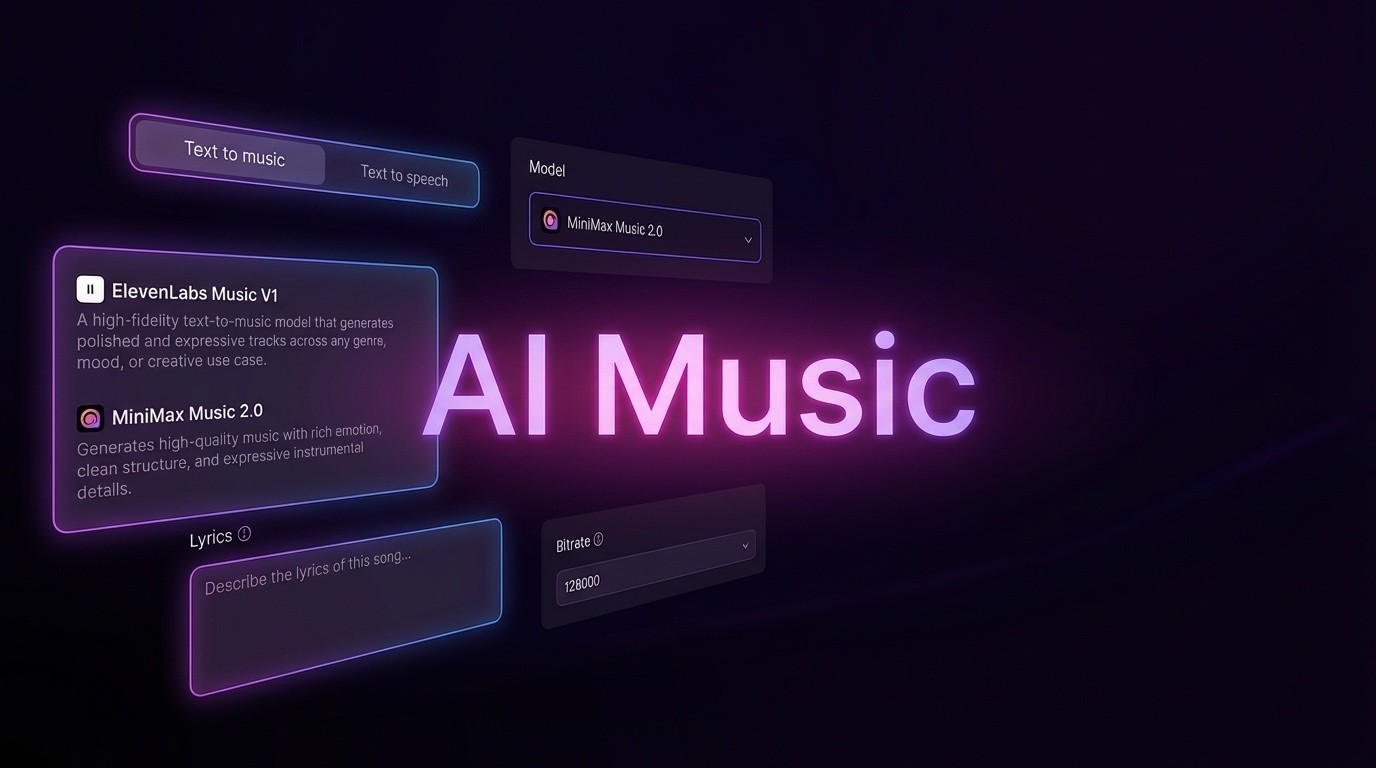
AI Music Generator
Create music from videos with AI

AI Song Generator
Create songs from videos with AI

Suno AI Music Generator
Create Professional Music with AI
Seedance2.0
The Future of AI Video Is Here.
Happy Horse 1.0

Veo3.1
Create Stunning Videos with Veo3.1
What Sets the PixVerse V6 Video Generator Apart
Released in March 2026, this PixVerse V6 Video Generator heads PixVerse's global AI video lineup. A single prompt yields precise camera moves, lifelike character acting, multi-scene narrative flow with synchronized sound, and believable physics — rendered at up to 1080p across 15 seconds.
- One Prompt, Many ScenesBuild a full narrative arc — several connected scenes with matching sound — from a single line of text inside the PixVerse V6 Video Generator.
- Camera Work Like a Film CrewTracking shots, perspective flips, and wide environmental reveals are handled with the accuracy of a trained cinematographer.
- Believable PhysicsLiquids flow, solid objects collide, and fabric drapes the way real materials do — the model respects physical behavior instead of faking it.
Four Simple Steps with the PixVerse V6 Video Generator
Choose a mode, dial in your settings, describe the shot, and render — four quick steps stand between you and a finished cinematic clip.
Core Strengths of the PixVerse V6 Video Generator
Five generation modes, 1080p clips of up to 15 seconds, sound produced in the same pass, multi-shot narratives, and command-line access — this PixVerse V6 Video Generator is built for production-grade output.
Five Generation Modes
Text, image, first-last frame, clip extension, and reference fusion all live inside the same PixVerse V6 Video Generator workspace.
Sound Built Into Every Render
Effects, spoken lines, and music are produced alongside the picture, so nothing has to be synced later in a separate editor.
Several Shots From One Prompt
A single description can expand into a structured sequence of scenes with consistent characters and a coherent through-line.
Director-Level Camera Control
Dolly moves, tracking runs, crane arcs, and depth-of-field are executed with cinema-grade accuracy.
Command-Line Access for Builders
Wire the PixVerse V6 Video Generator into automated pipelines through its CLI, which works with Claude Code, Cursor, and OpenClaw agents.
Every Aspect Ratio You Need
Render in 16:9, 9:16, 1:1, 3:2, 2:3, 4:3, or 21:9 — plan one idea once and repurpose it across every platform.
PixVerse V6 Video Generator: Common Questions Answered
Quick answers on modes, audio, clip length, resolution, and developer access for this PixVerse V6 Video Generator.
What exactly is the PixVerse V6 Video Generator?
It's the flagship video model from PixVerse, released in March 2026. It turns text or image prompts into multi-shot cinematic clips with synchronized audio, at up to 1080p and 15 seconds.
Which generation modes are available?
Five of them: text-to-video, image-to-video, first-to-last-frame transitions, extending an existing clip, and fusing a reference subject into a brand-new scene.
Does the finished video come with sound?
Yes. Sound effects, dialogue, and ambience are produced in the same pass as the visuals, so there is no separate audio step to handle afterward.
Can one prompt produce several shots?
It can. A single prompt can unfold into a structured short film, keeping characters consistent and the story coherent from one shot to the next.
Which resolutions and clip lengths are supported?
Renders are available at 360p, 540p, 720p, and 1080p, with clip lengths from 1 to 15 seconds and eight aspect ratios, among them 16:9, 9:16, and 1:1.
Is there an option built for developers?
Yes. A CLI lets you wire the PixVerse V6 Video Generator into automated pipelines, and it plays nicely with coding agents such as Claude Code and Cursor.
Ready to Make Something Cinematic with the PixVerse V6 Video Generator
More than 100M creators already turn rough ideas into finished scenes here. Type a prompt, pick your settings, and let the PixVerse V6 Video Generator handle the rest.