
AI Change Color — Fast Photo Color Edits
Remap tones, swap palettes, or recolor backgrounds in seconds. AI Change Color makes precise edits for mobile-ready images.
Feedback
All Tools
Browse AI tools

Lyrics to Song
Turn your lyrics into professional songs with AI

Suno 5.5
Create Professional Music with AI

AI Music Generator
Create music from videos with AI

AI Song Generator
Create songs from videos with AI

Suno AI Music Generator
Create Professional Music with AI
Seedance2.0
The Future of AI Video Is Here.
Happy Horse 1.0

Veo3.1
Create Stunning Videos with Veo3.1
About AI Change Color
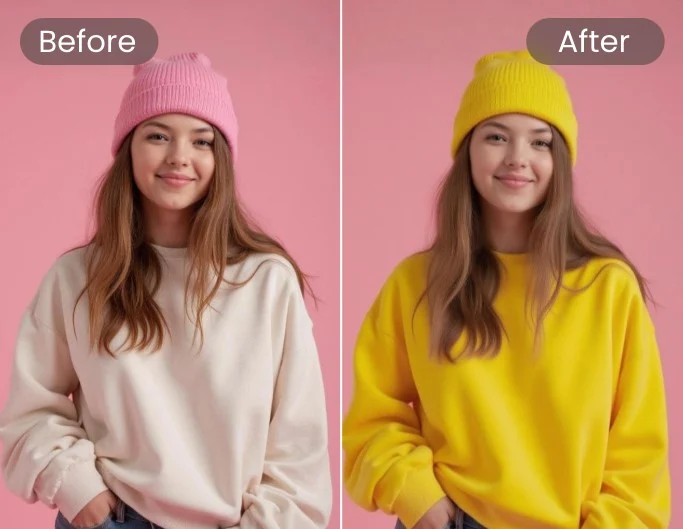
Precise color edits that keep subject edges, texture and lighting intact using AI Change Color.
- Edge KeepKeeps subject edges natural.
- Color FidelityMaintains true color and texture.
- Tone SafePreserves natural lighting.
Why Choose AI Change Color
Quick color edits, natural tones, batch speed.

How to Use AI Change Color
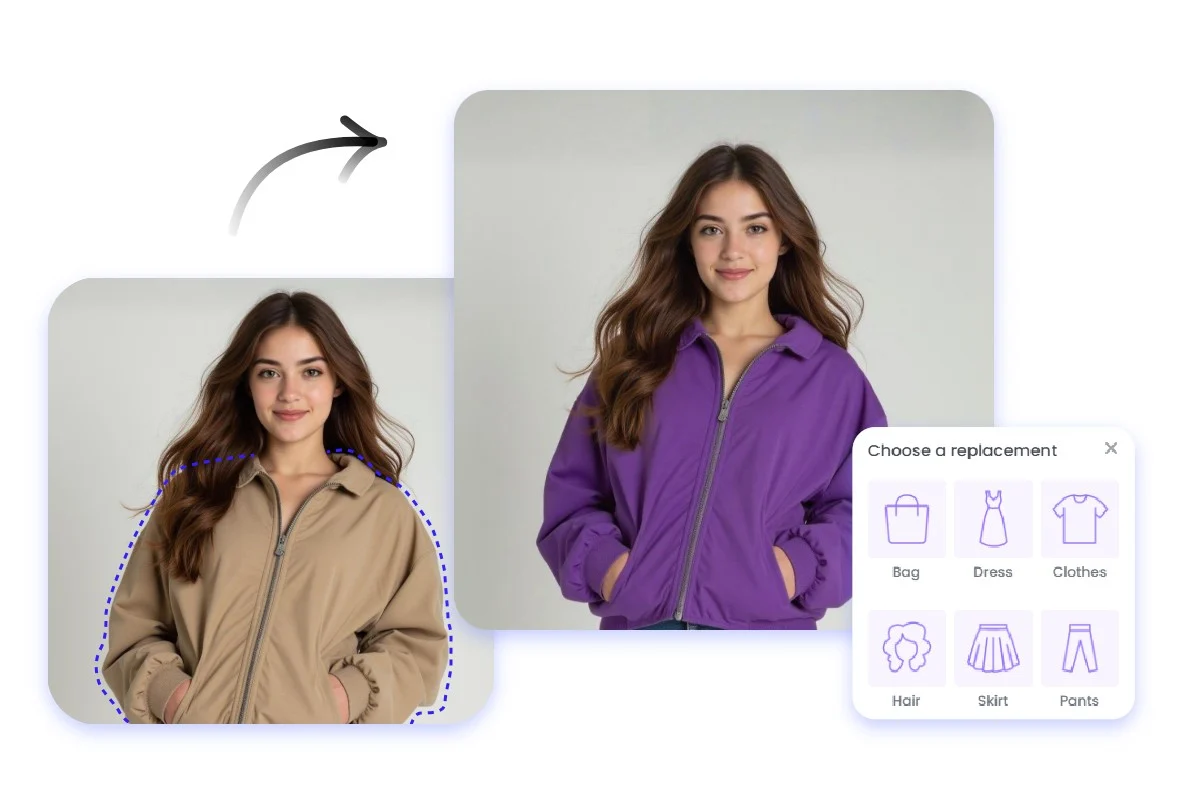
Four simple steps: upload, pick color or style, apply, then download.
Features
Accurate hue, texture-safe editing and fast batch processing from AI Change Color.
Accurate Color
Precise hue and saturation control.
Texture Keep
Retains surface detail.
Face Safe
Preserves facial tones.
Artifact Clean
Removes blend artifacts.
True Color
Natural tone kept.
Batch Speed
Process many quickly.
AI Change Color FAQ
Short answers about AI Change Color capabilities and usage.
What does it do?
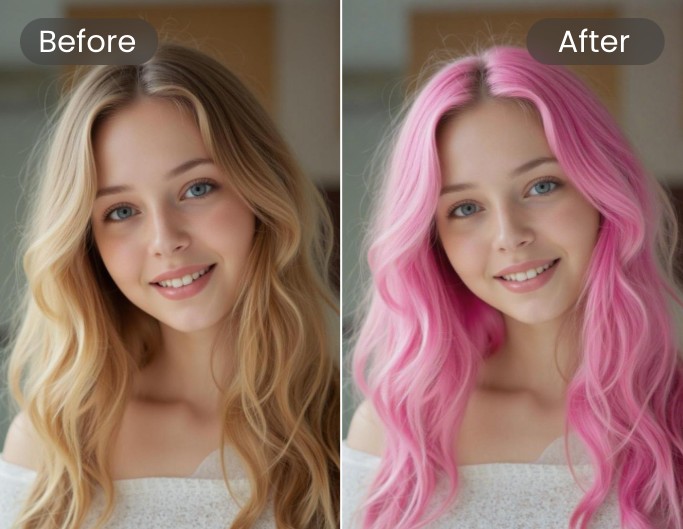
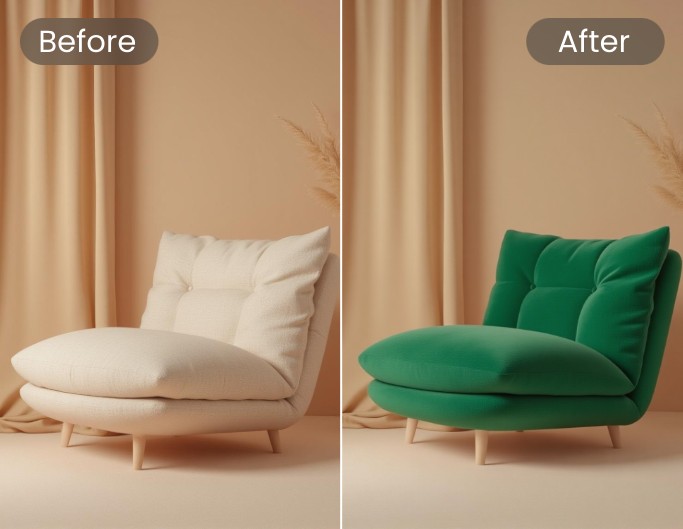
Remaps colors, swaps palettes and recolors backgrounds while keeping details.
Which images work best?
High-quality portraits and product shots yield the cleanest results.
How fast is it?
Most edits complete in under a minute.
Is face color preserved?
Yes—AI Change Color preserves facial tones and textures.
Change Color Now with AI Change Color
Update tones fast. Natural, ready for use.