

None
None
Long Story Video Skill
Turn your idea into 10s–10min video—AI writes scripts, prompts, and generates footage automatically.

Ads Video Skill
Generate professional ads and sales videos—AI auto-generates scripts, prompts, and footage.
3D Science Explainer Video Skill
Convert scientific concepts into stunning 3D explain animations
Feedback
freeTrialImage.bannerPity
freeTrialImage.upgradeUnlock
- ✓freeTrialImage.benefitHd
- ✓freeTrialImage.benefitWatermark
- ✓freeTrialImage.benefitUnlimited
Grok Imagine Video 1.5 Lite
Type a line or drop a photo and Grok Imagine Video 1.5 Lite renders 1080p footage with matching sound — private on Venice, priced per second.
All Tools
Discover our comprehensive AI-powered animation toolkit

Lyrics to Song
Turn your lyrics into professional songs with AI

Suno 5.5
Create Professional Music with AI
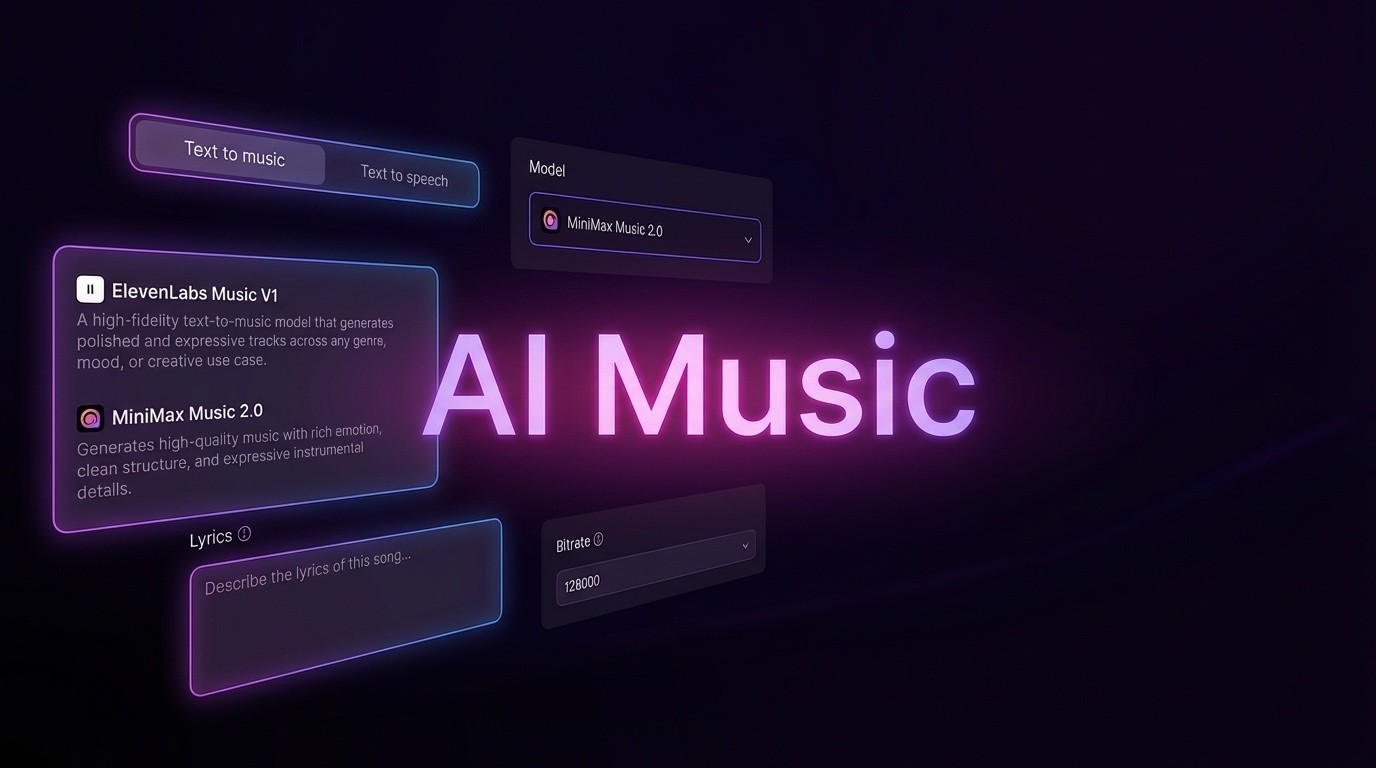
AI Music Generator
Create music from videos with AI

AI Song Generator
Create songs from videos with AI

Suno AI Music Generator
Create Professional Music with AI
Seedance2.0
The Future of AI Video Is Here.
Happy Horse 1.0

Veo3.1
Create Stunning Videos with Veo3.1
What Makes Grok Imagine Video 1.5 Lite Different
The budget entry to xAI's 1.5 video line: sound arrives together with the picture, and every render runs on Venice's no-retention private tier.
- The Entry Point of the 1.5 LinexAI positions it as the cheapest way into the Grok Imagine Video 1.5 family — a lighter, lower-cost sibling sitting beneath the flagship Grok Imagine 1.5 — and it has been live on Venice since September 30, 2026.
- Two Builds Under One NameIt ships as grok-imagine-1-5-lite-text-to-video and grok-imagine-1-5-lite-image-to-video, so you can build a shot from a sentence or animate an uploaded still, without gatekeeping, through the app or the Venice API.
- Nothing Stored, Nothing TrainedVenice serves it on the private tier, which retains nothing: prompts and uploaded stills are never archived, never profiled and never fed into a training set, and no generation log links a render back to you.
Run Grok Imagine Video 1.5 Lite in Three Steps
From a rough idea to a finished clip with sound — the whole Grok Imagine Video 1.5 Lite workflow on Venice.
What Grok Imagine Video 1.5 Lite Delivers
Sound generated in the same pass, a 480p-to-1080p ladder with one-second duration steps, and a private tier on Venice that keeps nothing.
Audio That Lands on the Beat
Ambience, effects and spoken lines come out with the picture in a single pass, timed to what happens on screen — so a separate sound stage is never needed.
Three Resolutions, 1–15s in One-Second Steps
Both variants accept any length between 1 and 15 seconds at 480p, 720p or 1080p — fine-grained control that is rare at this price point.
Animate a Single Still
Take an existing product shot, portrait or illustration up to 1080p and 15 seconds by describing the movement you want instead of describing the picture all over again.
Steadier Motion
xAI's own release notes report fewer warps and more convincing weight and momentum across a clip than the previous generation managed.
REST API Access
Venice publishes the model over its REST API: pass the model id and the inputs your job needs, and queue renders straight from your own code.
No-Retention Private Tier
Prompts and source images are not stored, profiled or used for training, and no render is tied to a personal history — unlike account-linked libraries.
Grok Imagine Video 1.5 Lite: Common Questions
What people ask before running Grok Imagine Video 1.5 Lite privately on Venice's no-retention tier.
What exactly is Grok Imagine Video 1.5 Lite?
The lightest model in xAI's Grok Imagine Video 1.5 family. Venice has served it since September 30, 2026 in two builds — text-to-video and image-to-video — at 480p, 720p or 1080p, running 1 to 15 seconds with sound produced in the same pass.
What does a clip cost and do I need a subscription?
Billing is per clip and moves with resolution and length: $0.04 for one second at 480p, $0.05 at 720p and $0.18 at 1080p, scaling up to 15 seconds. There is no subscription, and new Venice accounts also receive a daily free allowance plus 500 welcome credits.
Is Grok Imagine Video 1.5 Lite open source or self-hostable?
Neither — xAI keeps the weights closed, so self-hosting and fine-tuning are off the table. Venice lets you test it on welcome credits before paying per clip; if open weights are a hard requirement, Wan 2.7 Enhanced is the nearest open option with native audio.
Can I animate a still image with it?
Yes. The grok-imagine-1-5-lite-image-to-video build turns a still into motion at 480p, 720p or 1080p for 1–15 seconds with audio, while grok-imagine-1-5-lite-text-to-video builds a clip from words alone.
How does Lite differ from the flagship Grok Imagine 1.5?
Both run privately on Venice at 1080p for 15 seconds with native audio. The flagship adds multi-reference control — up to seven image references plus voice references, so a character's face and voice stay consistent across scenes. Lite works from one still or one prompt.
How is my privacy handled when I generate?
Renders happen on the private tier, which retains nothing: prompts and reference stills are not archived, profiled or reused for training, and no history is bound to your identity — in line with Venice's encrypted-in-browser, decentralized setup.
Generate Privately with Grok Imagine Video 1.5 Lite
Prompts stay unlogged and nothing feeds a training set — try the text-to-video and image-to-video builds on Venice, where new accounts get a daily free allowance and 500 welcome credits, no card needed.