

None
None
Long Story Video Skill
Turn your idea into 10s–10min video—AI writes scripts, prompts, and generates footage automatically.

Ads Video Skill
Generate professional ads and sales videos—AI auto-generates scripts, prompts, and footage.
3D Science Explainer Video Skill
Convert scientific concepts into stunning 3D explain animations
Feedback
Vidu Q4 AI Video Generator
Guide Vidu Q4 with up to 15 stills and optional voice notes to produce a 16-second multi-shot sequence with 2K/4K export.
All Tools
Discover our comprehensive AI-powered animation toolkit

Lyrics to Song
Turn your lyrics into professional songs with AI

Suno 5.5
Create Professional Music with AI
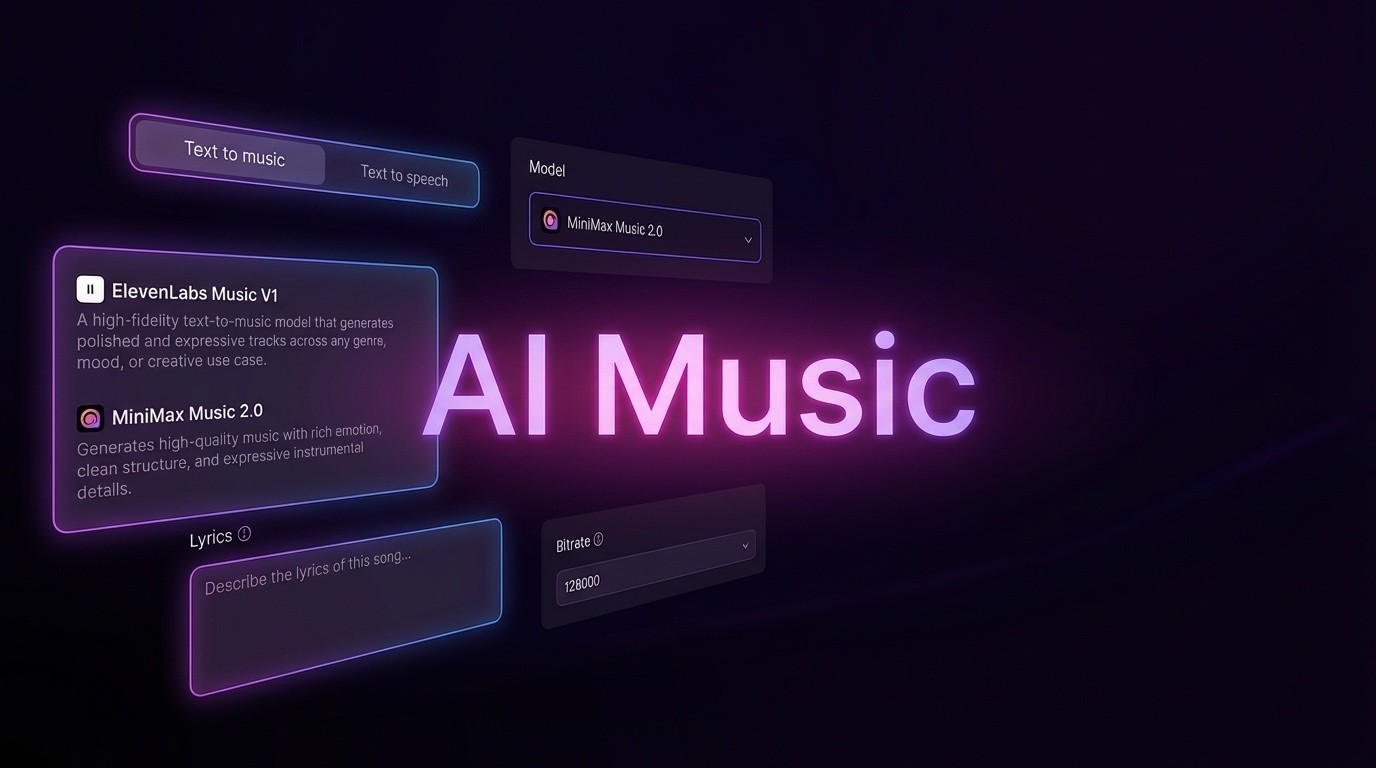
AI Music Generator
Create music from videos with AI

AI Song Generator
Create songs from videos with AI

Suno AI Music Generator
Create Professional Music with AI
Seedance2.0
The Future of AI Video Is Here.
Happy Horse 1.0

Veo3.1
Create Stunning Videos with Veo3.1
What Sets Vidu Q4 Apart
Combine a set of stills with optional voice tracks to produce a synchronized multi-scene clip, or animate a single image into a 3–16 second sequence.
- Multi-Input Reference Video CreationSupply as many as 15 stills and up to 3 audio clips, and the system keeps characters, settings, visual style, and sound aligned.
- Animate a Single Still ImageUpload one photo, describe how it should move and how the camera behaves, and receive a 3–16 second animated clip.
- 16-Second Multi-Shot Output in 2K/4KBuild a 16-second sequence from several shots, with smooth camera work and clean transitions at 2K or 4K quality.
Three Steps to Your First Vidu Q4 Video
Move from visual references and a short brief to a finished multi-shot clip in a straightforward workflow.
Capabilities Built Into Vidu Q4
See how flexible image inputs, voice control, and high-resolution rendering support demanding video projects.
Flexible Image Mixing From 1 to 15
Combine as few as one or as many as fifteen stills to define characters, settings, and visual style in a single pass.
Optional Voice Tracks With Lip Sync
Attach up to three audio clips to reproduce a character's tone and match mouth movements with natural timing.
Sixteen-Second Multi-Scene Storytelling
Arrange several shots into a continuous 16-second sequence with fluid camera transitions and clean cut points.
2K/4K Rendering That Keeps Original Framing
Animate an uploaded image without changing its aspect ratio, and export at 2K or 4K across 3–16 seconds.
Smooth Motion in Fast Action Shots
Running, combat, and other high-energy movements retain their shape with fewer glitches, jitters, or warped frames.
Detailed Effects for Fire, Particles, and Energy
Sparks, fireworks, smoke, and energy bursts render with crisp texture and convincing impact.
Vidu Q4 Questions, Answered
Find quick answers about image limits, voice inputs, clip length, resolution, synchronization, and account access.
What is the maximum number of reference images?
You can supply as many as fifteen stills, allowing people, locations, and visual styles to be combined in one render.
Can I include voice recordings?
Yes—up to three voice clips can be added, and the tool uses them to reproduce vocal character and align speech with mouth movement.
What video length can I expect?
Single-image animation lasts from 3 to 16 seconds; multi-reference projects can produce a 16-second sequence made of several shots.
Which resolutions and ratios are available?
Rendering is available in 2K and 4K. When you animate a still, its original aspect ratio is preserved.
Does the tool sync audio with video and lips?
It does. Audio and visuals are synchronized, and any uploaded voice clip is matched to the character's lip movements.
How do I sign up or get help?
Visit vidu.com to register with email, Google, or Apple. If your account is blocked, contact support@vidu.com.
Put Vidu Q4 to Work on Your Next Video
Gather your stills, optional voice tracks, and motion notes, then render a multi-shot 2K/4K sequence in one workflow.